
DLP Power Pack Release Notes V1.5
Release notes for 13th Oct 2025
- Front end forms: Anonymous document submissions are now supported.
- PHP compatibility update: Example values for custom fields were showing a PHP warning.
Anonymous document submissions for front end form
The enhanced front end submission form was introduced in V1.1 for logged in users only. From V1.5.x you can now accept documents from non-logged in (anonymous) users.
Anonymous submissions are disabled by default and a Cloudflare Turnstile Site Key + Secret Key is mandatory.
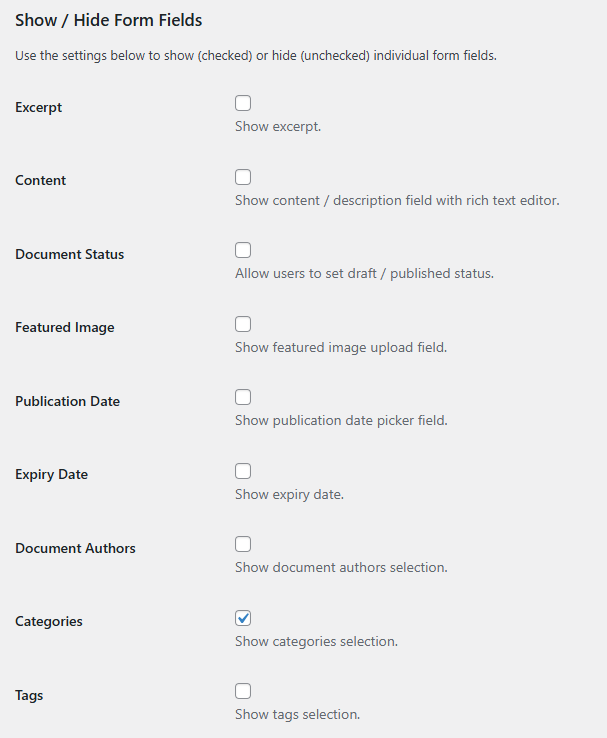
To help with filtering in the admin area via the Document Authors drop down, submitted documents can be automatically assigned to a default author. Why not create a new “Anonymous Submissions” user which these documents could be assigned to.
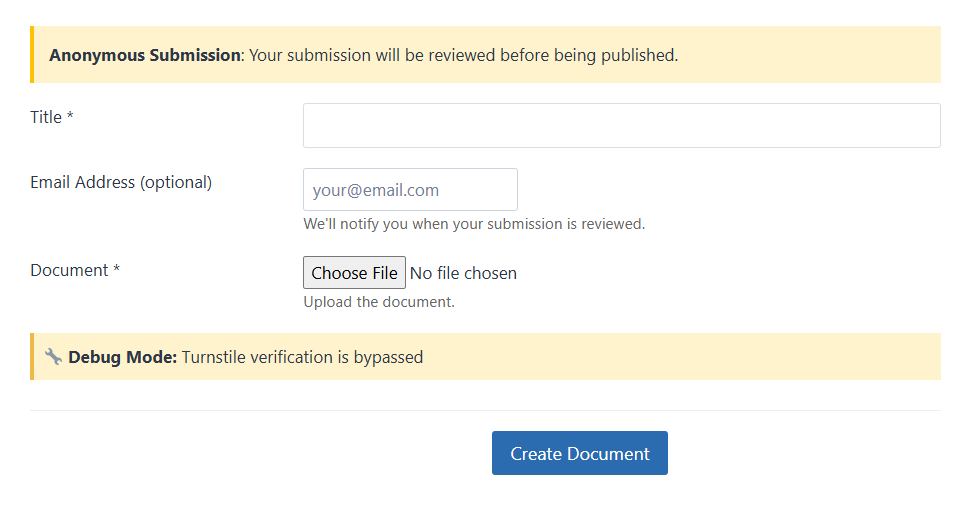
“Requires Moderation” (on by default), will prevent any uploaded documents from appearing on a site without prior human review. The form will display this anonymous submission notice at the top.
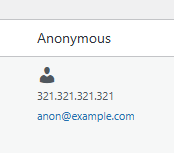
All anonymous submissions will have their IP address logged, along with an optional email address (see below). While in draft status these will be displayed in the new Anonymous column which will be added to your All Documents screen.
“Clean Data on Publish” allows you to auto clear the IP address / IP + email address when a document has changed from draft to published status. This helps to clean up information that is no longer required.
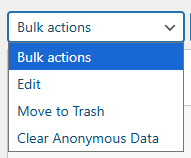
To clean it manually you can change the setting to “Never”. Bulk actions > Clear Anonymous Data can be used to bulk or selectively clear this data.
*Optional email address: Enabling “Collect Email Address” will automatically add an email field to the submission form. This can help you in notifying the submitter when their document has been published. No automated emails will be sent to them.
Enabling Debug Mode
As a safety measure to protect the form against automated attacks, Cloudflare Turnstile is mandatory for anonymous document submissions. To test the form on a staging or local site you can add the following to your wp-config.php.
The “Debug Mode” notice panel (shown earlier) will be displayed when this setting exists and is set to true.
// Enable debug mode for local development
define('DLPP_BYPASS_TURNSTILE', true);