
Website Toolkit: Form Tester
Stop wasting time on form fields. Start testing faster.
Previously called “Fill in the blanks”, Website Toolkit: Form Tester is a premium browser extension that instantly populates web forms with your saved test data. Easily capture a populated form, then clone to multiple test profiles to suit your needs. One click and your fields are populated.
Current Version: v1.1 – 5th May 2026. View blog
Early Adopter Pricing
- Individual / Small Team: $29/year – 3 activations
- Team: $49/year – 5 activations ($9.80/seat)
- Business: $199/year – 25 activations ($7.96/seat)
These prices will be held until the 31st Dec 2026.
Testing forms shouldn’t feel like Groundhog day
Every developer and QA tester knows the pain:
- Typing the same test data dozens of times per day
- Switching between apps to copy-paste information
- Losing momentum during rapid testing cycles
- Missing edge cases because manual entry is too tedious
There’s a better way.
Your personal form-filling assistant
Fill in the blanks captures real form data once, then fills any form instantly with intelligent field matching.
No more repetitive typing. No more context switching. Just faster, smarter testing.
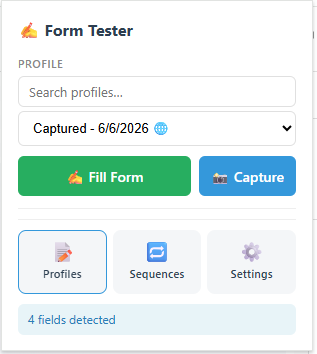
📸 Smart capture: Fill out a form once, click capture, and save it as a reusable profile. The extension automatically detects field types and preserves multi-line text, dropdowns, and multi-select values.
⚡ Instant fill: One click (or keyboard shortcut) fills entire forms in milliseconds. Fields flash green as they populate, giving you instant visual feedback. NOTE: File upload fields are not supported, its a browser security restriction.
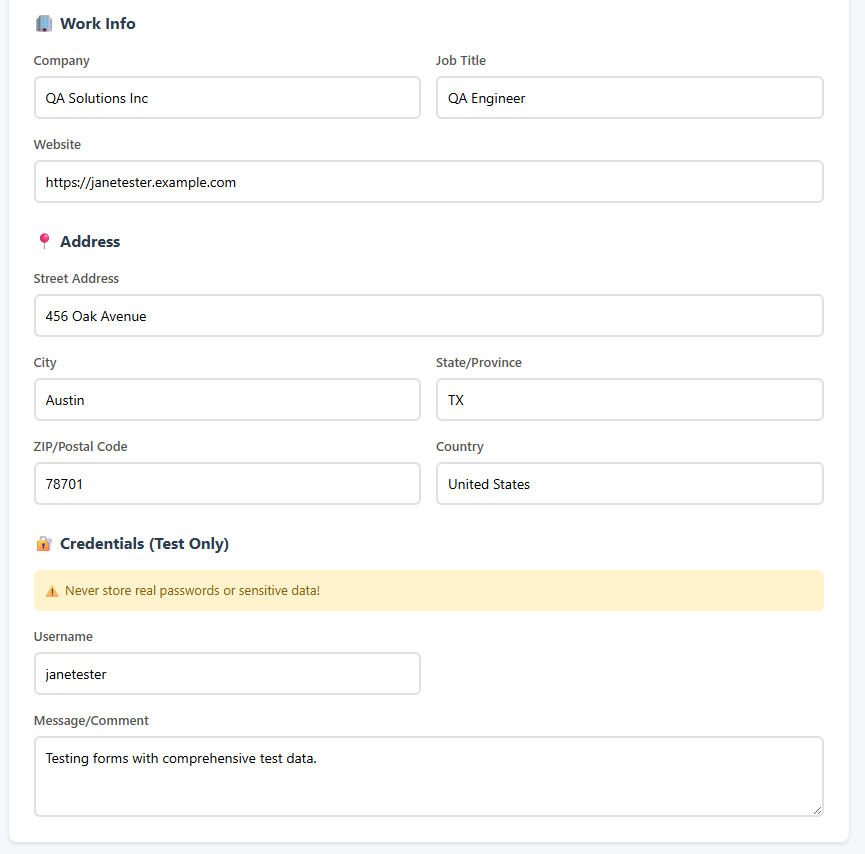
🎯 Intelligent matching: Advanced field detection recognises emails, names, addresses, phone numbers, and custom fields, even when forms use different naming conventions.
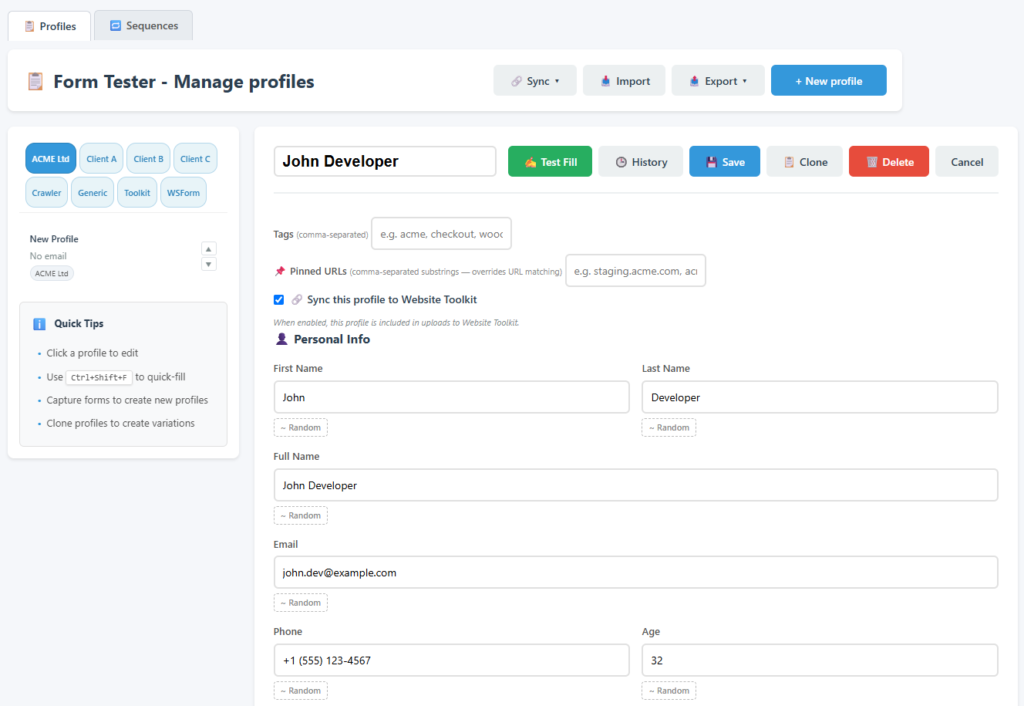
🔄 Multiple profiles: Create unlimited test personas: valid users, edge cases, international addresses, or any scenario you need. Switch between them instantly.
⌨️ Keyboard shortcuts: Power users will love Ctrl+Shift+F (Cmd+Shift+F on Mac) to fill forms without touching the mouse. Perfect for rapid testing workflows.
🔒 Privacy first: All data stays on your machine. Nothing is ever sent to external servers. You control your test data completely.
Use cases
- QA Engineers Test registration flows, checkout processes, and complex multi-step forms without manual data entry.
- Developers Speed up development by instantly populating forms during feature testing and debugging.
- Demo Preparation Pre-load realistic data for client demos and presentations. Look professional without the prep time.
- Form Testing Validate forms with multiple data scenarios: edge cases, international formats, special characters.
- Accessibility Testing Quickly test form interactions with various input combinations and field states.
How it works
- Capture Navigate to any form, fill it out once, click “Capture Form Data.” Your data is saved as a profile.
- Save Name your profile and edit any fields in the profile manager. Create as many profiles as you need.
- Fill Visit any form, select your profile, and click “Fill Form.” Watch as fields populate instantly.
The small print
- This tool is built and managed by Friendly Web Guy, based in the UK.
- It is a premium browser extension with an annual license required for full use.
- If your license expires you will still be able to access the Profiles screen to see previously captured data.
- You may however need a Google account to download from the Chrome Web Store.
- Captured form data is saved locally to your browser. Optional Website Toolkit sync for paid plans.
- It should work ok with forms where all fields are shown at the same time. Conditional fields are supported as of v1.1
- File upload fields are not supported, its a browser security restriction
- No WordPress form builders have been tested yet, only simple forms created by Divi and Kadence WordPress themes.