
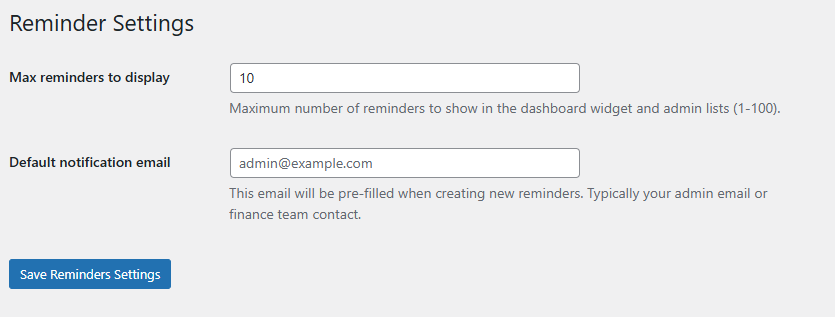
The Reminder Settings screen is very simple with only two settings.
“Max reminders to display” controls how many reminders to show in the dashboard widget.
“Default notification email” allows you to pre-populate the default email field.
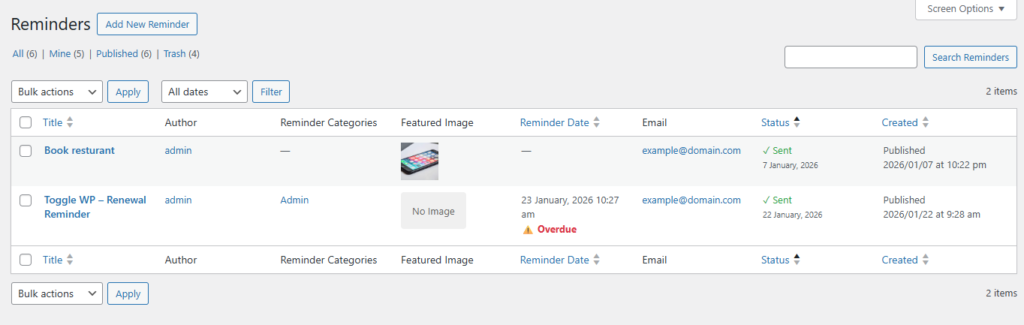
Reminders can be managed by going to ToggleWP > Manage Reminders.
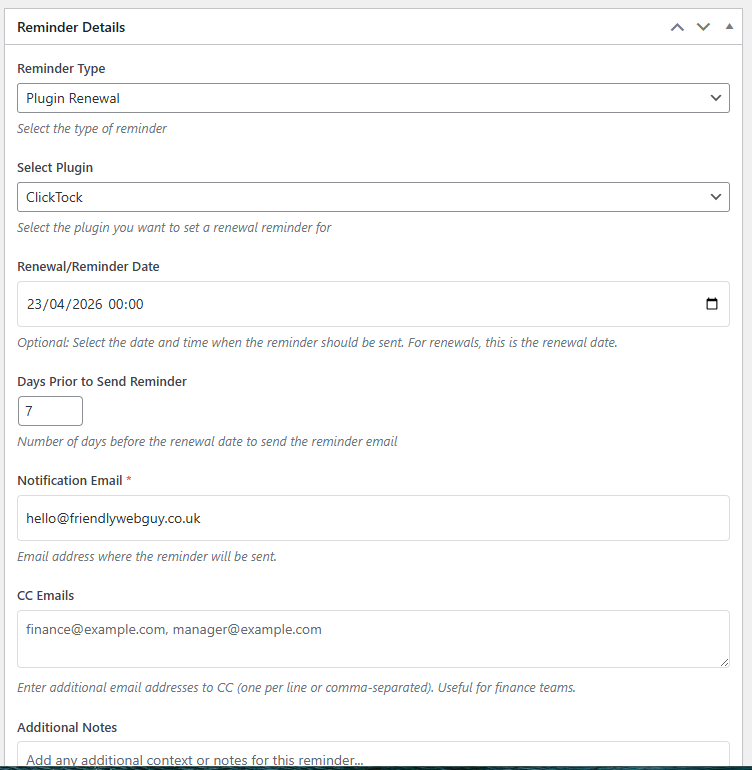
Reminders have a title, content, reminder type, renewal / reminder date, notification email, additional notes.
Reminder types include:
- General Reminder
- Plugin Renewal
- Other Service / Subscription
When “Plugin Renewal” is selected you can pick the plugin to associate the reminder to. If the selected plugin is deactivated the notification email will be contacted letting them know. This can help avoid unnecessary premium plugin renewals when the plugin is no longer in use on the site.
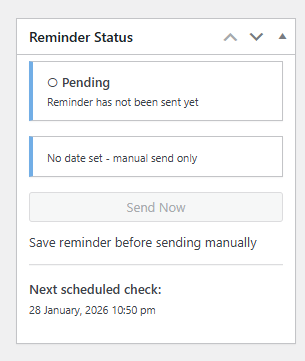
It is also possible to set general reminders that do not have a date set. These will appear on the Reminders dashboard as notes. Reminders can be manually sent, in case you need to drop a hint to another person to complete a task.
Reminders Dashboard
The full Reminders Dashboard can be found under ToggleWP > Reminders Dashboard.
From here you can see a summary, notes, upcoming reminders (next 7 days), recently sent reminders and lastly overdue reminders. As this screen uses widgets you can reorder it to suit your preferences.
Reminders are checked every hour to ensure time based reminders are sent promptly.

There is also a dashboard widget for quick reference after logging in to a site. This displays notes, overdue reminders and next 90 days.
