
DLP Power Pack Release Notes V1.2
May’s release of DLP Power Pack V1.2 makes life faster for your frequent downloaders with enhanced multi downloads, and provides a new “auto preview” option for direct document links.
Enhanced Multi Downloads
Document libraries containing product / service manuals, or product imagery, are quite likely to be downloaded in bulk. When your library contains 300 images spread over 14 pages, it would take your visitors quite a while to select and download them one page at a time.
This is where enhanced multi downloads springs into action. It includes an additional checkbox next to “Link” which checks the documents on the current page, saving time on individual clicks in large pages.
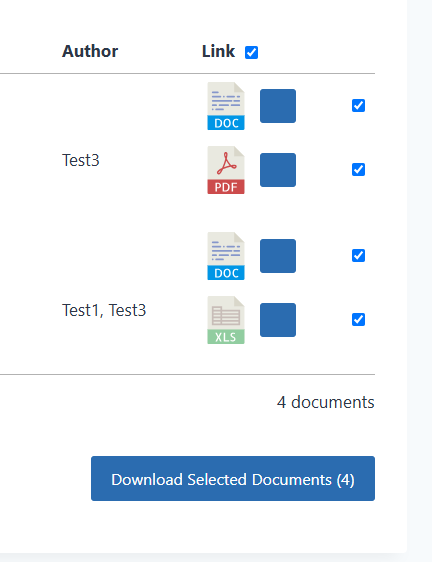
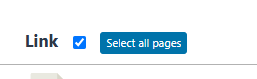
But that’s not all. Visitors can also download everything in one go via the new “Select all pages” button. This button is displayed when the current page has been selected.
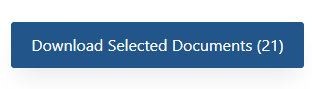
After clicking “Select all pages” the download button is updated to show the total number of downloadable documents.
Single Document Auto Preview
This feature was added to the Power Pack to help library owners listing external documents stored on 3rd party cloud storage. In this particular situation the file sharing service provided its own “preview” pop up of the document, which was displayed after clicking the download button on the single document view.
With Single Document Auto Preview enabled you can auto load the document in its preview mode (lightbox) when accessed by its single document URL.

What’s planned for V1.3?
Currently planned for V1.3 is a minor addition to the custom upload form, which will add support for external URL’s.