
DLP Power Pack Release Notes V1.1
I’m pleased to announce the release of Document Library Pro Power Pack V1.1. This release mostly focused on new frontend capabilities that give your users additional control over their document management.
Frontend forms
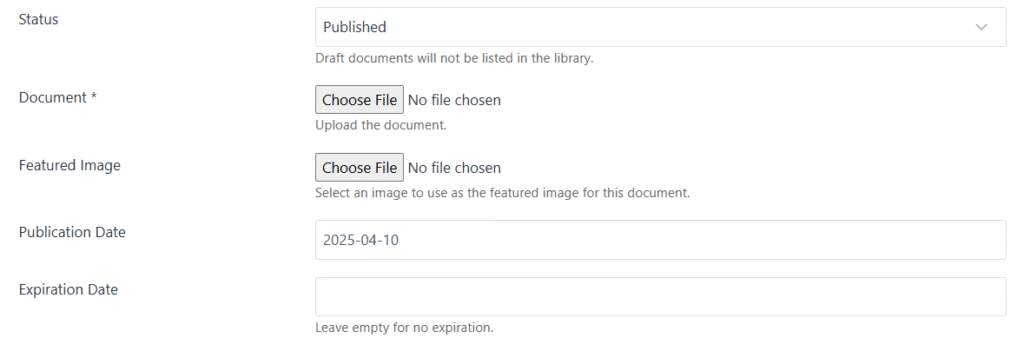
This update introduces two enhanced frontend forms for uploading and editing documents. These support featured images, password protection, publication scheduling / expiration, custom fields, and flexible publishing status options. Your logged-in users can easily upload documents as drafts or published.
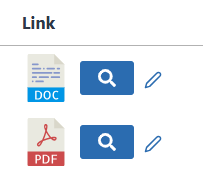
Document Edit Icon
Document owners can update their submissions directly from the frontend with the convenient new edit icon in table view.
Additional settings
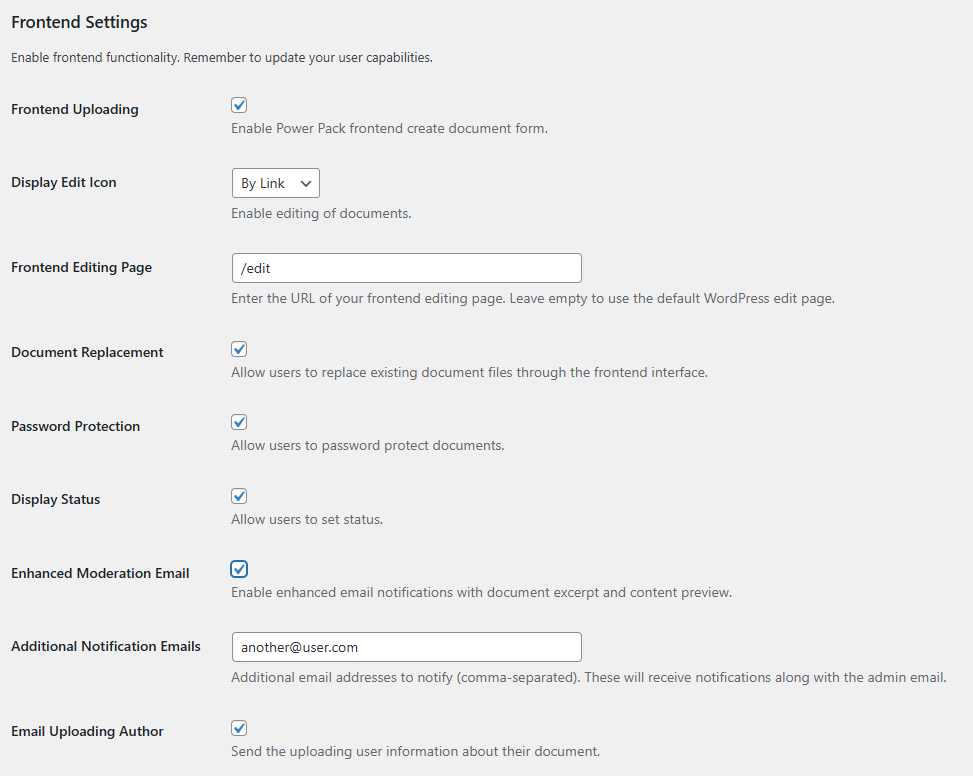
V1.1 also includes enhanced administrative controls, including improved moderation notifications with detailed document information, support for additional notification recipients in addition to the uploading user.
New User Capabilities
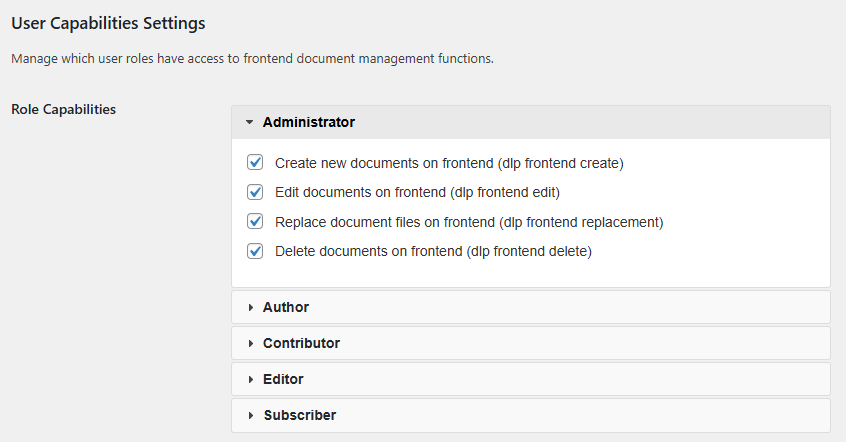
Granular user capabilities have been included for creating, editing, replacing, or deleting documents. These can be managed via the DLP Power Pack > Power Pack Settings screen, or via your existing user role editor plugin.
Custom Fields (Experimental)
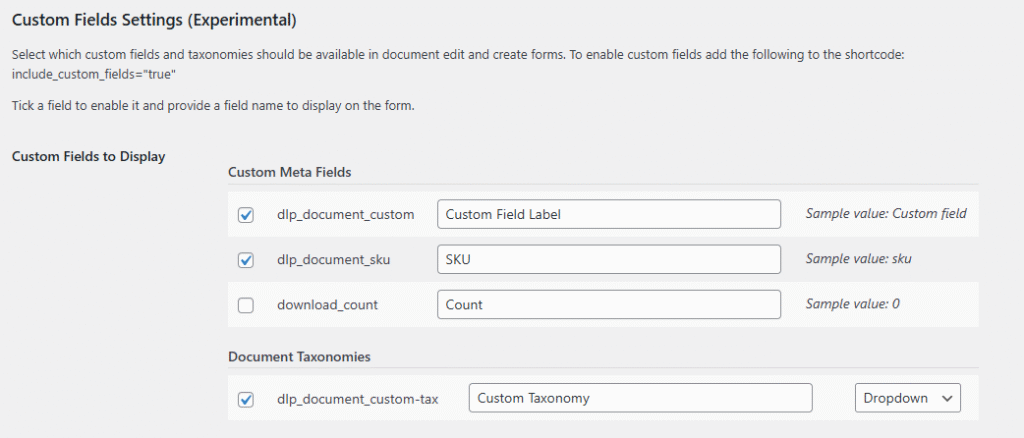
Experimental support for custom text and taxonomy fields opens up new possibilities for document organisation. The fields shown below were added via by the Barn2 Easy Post Types plugin and allow you to collect additional information about the document.
Changing the Document author
The author is the user who uploaded the original document, and over time this may belong to another user. An administrator can now edit the document via the frontend form and assign it to another WordPress user.
