
To use Anonymous Submissions on a internet accessible website you will require a Cloudflare account to use their free Turnstile service. This will help to protect your submission form from automated attacks.
Using Power Pack on an intranet site? Please see this article on using Cloudflare on an intranet site as you will not need to follow the steps below.
Visit https://dash.cloudflare.com/ to create an account, then follow this guide to create your widget: https://developers.cloudflare.com/turnstile/get-started/widget-management/dashboard/
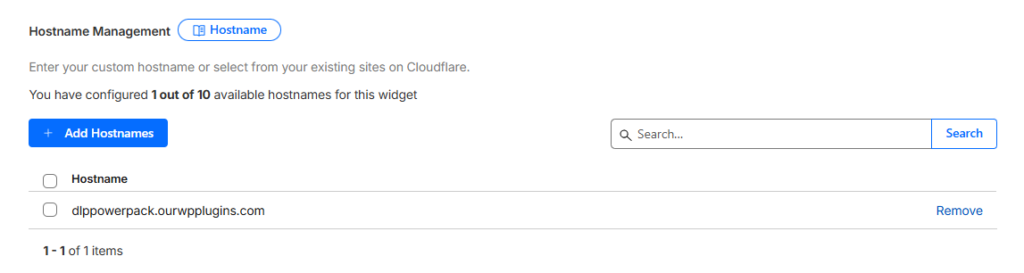
During this process you will need to provide your website’s domain (hostname).
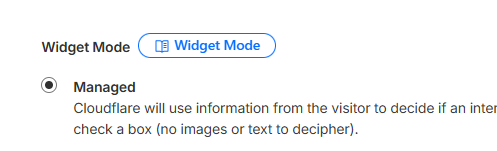
The widget should also be set to Managed mode.
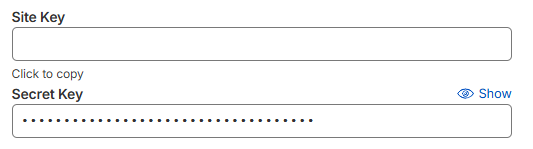
Copy out the Site Key and Secret Key values from the Cloudflare Dashboard and add them to the Turnstile Site Key and Turnstile Secret Key settings on your WordPress site.
Make sure to click Save / Update at the bottom of the Cloudflare dashboard screen.