Quick Steps
- Follow the guide on “How to enable frontend editing of documents“. This will enable the new Power Pack features and set up your document library.
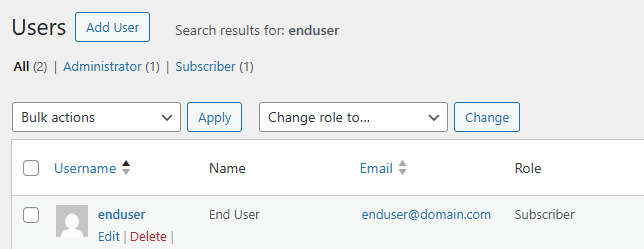
- Check what role(s) your users have, in this case “Subscriber”.
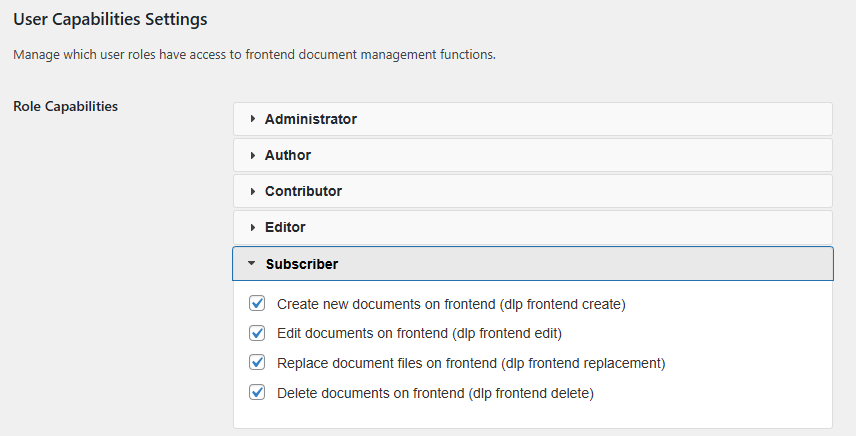
- Update the User Capabilities Settings for that role to enable the required functionality. Save the changes.
Additional Information
From the Users screen you can see their Role.
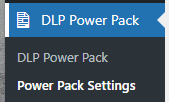
The User Capabilities Settings can be found under DLP Power Pack > Power Pack Settings.
Find the matching Role, tick the required options (most likely all 4 for self-service document management) and save the changes.